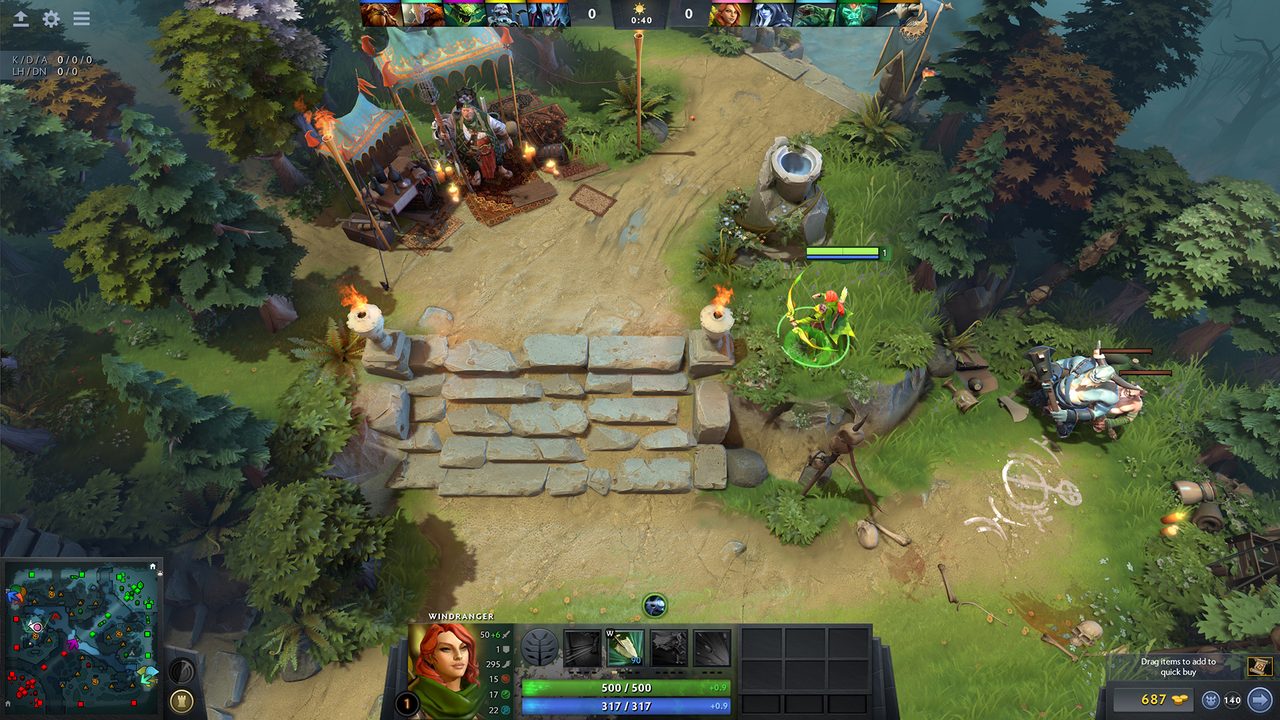
If your Dota 2 frame rate collapses during a five-on-five fight in the Roshan pit, a faster graphics card will not fix it. Source 2 is a CPU-centric engine, and a teamfight is a CPU problem: units, illusions, particle systems, and the simulation behind all of it. The GPU is drawing a scene that has not fundamentally changed since 2013. That single fact should reorder your entire shopping list.
The official floor is almost comically low. Valve’s published minimum is a 2.8 GHz dual core from Intel or AMD, 4 GB of RAM, and a GeForce 8600 or 9600 GT, or a Radeon HD 2600 or 3600. On Linux and SteamOS the Vulkan path wants AMD GCN or newer, NVIDIA Kepler or newer, or Intel HD 5000 or newer. What Valve does not publish is a recommended tier, so every “recommended Dota 2 spec” you find is a third party’s estimate. The commonly circulated 2026 version of that estimate lands around a Core i3-10100 or Ryzen 3 3100, 16 GB of RAM, and a GTX 1650 Super or RX 6500 XT. Treat it as a floor for comfort, not a specification.
The one requirement that has genuinely grown is storage. The install is around 60 GB now, and it should be on an SSD. Not for frame rate: for the load into a match, and for the shader compilation and asset streaming that produce the stutter people blame on their GPU.
What to spend on
A CPU with strong single-thread performance. This is the whole answer. Dota 2 does not scale gracefully across sixteen cores, and your worst frame in a fight is set by how fast one core can chew through the frame. A current-generation mid range six core from either vendor will hold a high frame rate through a chaotic fight where an older eight core with weaker per-core throughput will drop into the low hundreds and stutter. If you are choosing between a chip with more cores and a chip with faster cores at the same money, and Dota is your main game, take the faster cores.
16 GB of RAM, running at its rated speed. Sixteen is enough. Thirty-two is not going to give you frames, it is going to give you room for a browser with forty tabs and Discord and a stream on a second monitor, which is a real use case but a different one. The part people skip is enabling the memory’s XMP or EXPO profile in the BIOS, which is free, takes a minute, and is the reason a meaningful number of self-built machines run their RAM hundreds of megahertz below what was paid for.
A high refresh monitor, if you are still on 60 Hz. Dota is not a flick-shot game, so the returns are smaller than in a shooter, but last-hitting, dodging skillshots and reading animations all get easier when the screen updates more often. A 144 Hz or 165 Hz 1440p panel is the sensible target and the market for those has been mature and competitive for years. This is a better use of $250 than a graphics card upgrade for this game specifically.
The frame rate ceiling is a GPU number. The frame rate floor, which is the only one you feel, is a CPU number.
What people overbuy
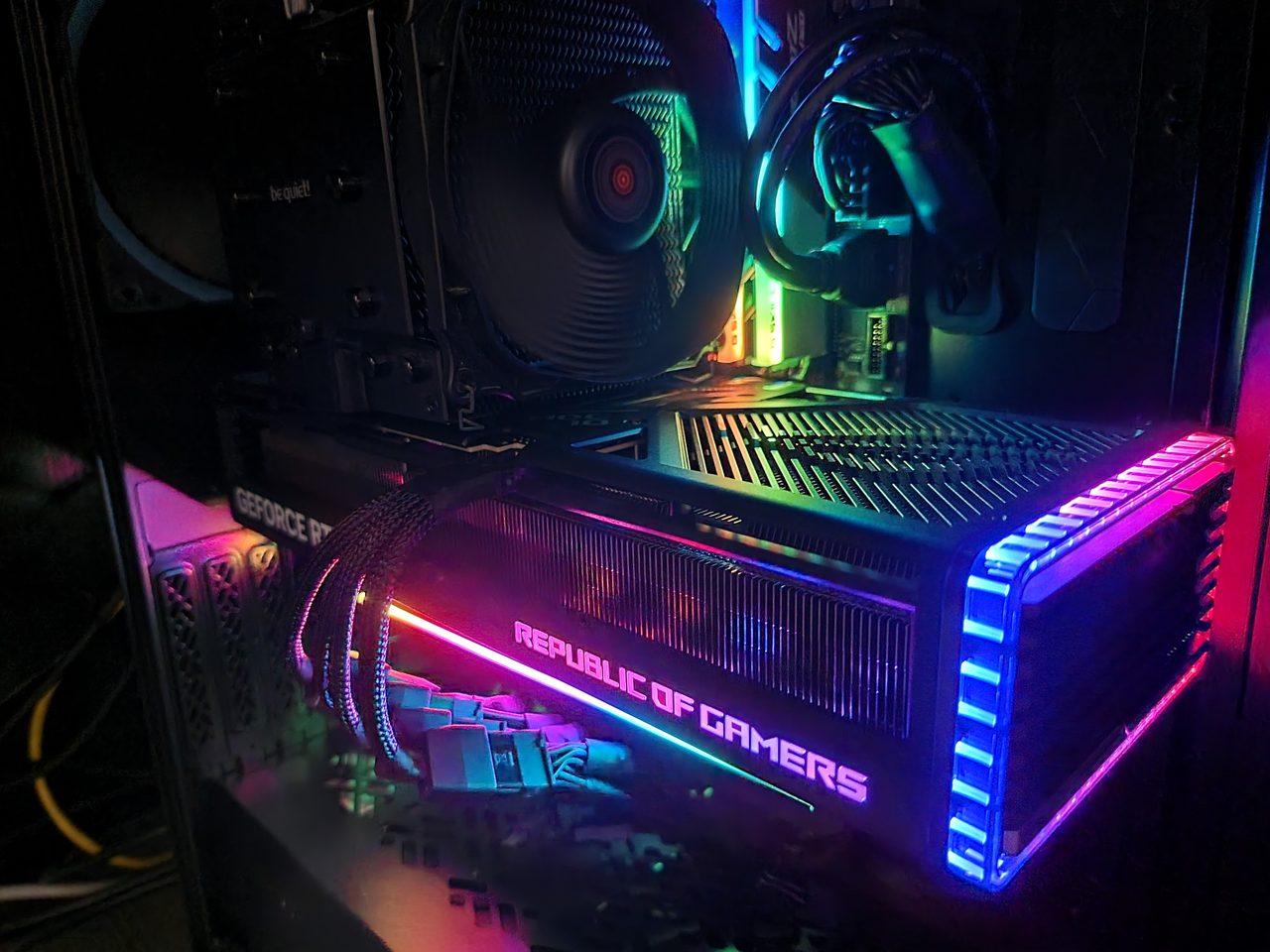
The graphics card. This is the big one. Dota 2 at 1440p on high settings is not a load that troubles a modern midrange card, and buying a flagship to play it is spending several hundred dollars to move a number you were already comfortably above. If you also play recent Unreal Engine 5 titles, buy the card for those and enjoy the side effect. If Dota is genuinely your main game, put that money in the CPU and the monitor and keep the difference.
32 GB of RAM, bought for Dota. See above. Buy it for the rest of your life on the machine, not for this.
The mouse. Dota is a right-click game. You are not tracking a moving target at 1600 DPI across a mousepad. Sensor latency, polling rate above 1000 Hz, and the difference between a $60 and a $160 mouse are effectively invisible here. What is not invisible is the number of side buttons, because item and ability rebinds onto thumb buttons are a real quality-of-life gain, and switch feel, because you are going to click a lot. Buy a comfortable mouse with two or more well-placed thumb buttons and stop reading reviews.
A “gaming” router. No amount of hardware in your house changes the distance to the Valve datacentre. Ping is geography plus your ISP’s routing. What you can control is putting the machine on Ethernet instead of Wi-Fi, which removes the variance that actually ruins games. That is a $10 cable.
Settings worth touching
The in-game defaults are reasonable, which is not something you can say about most games. The short list of changes that matter:
- Turn the frame rate cap off, or set it above your refresh rate, then use the monitor’s refresh rate as your target rather than V-Sync.
- Leave shadows on. They are cheap here and they carry positional information.
- Use the Vulkan renderer if you are on Linux or SteamOS. On Windows, test it against DirectX 11 for a few matches rather than assuming; results vary by driver and by card, and the honest answer is that you have to try both.
- Put the game on the SSD, not the spinning disk you kept for “storage games”.
- If you stream or record, that encode load lands on the same CPU that is running the teamfight. A GPU-based encoder exists specifically so it does not have to.
The summary is unglamorous. Dota 2 rewards a fast CPU, an SSD, a cable, and a screen that refreshes more often than sixty times a second. It does not reward a graphics card you bought for it. Every match where your frame time spikes as five heroes and a wave of illusions land on the same screen is a CPU telling you where the money should have gone.
Sources: Dota 2 Wiki: system requirements, PCGamesN: Dota 2 system requirements 2026, PCGameBenchmark: Dota 2 system requirements